Windows + Ollama
Run Ollama agents on Windows without scattering the work.
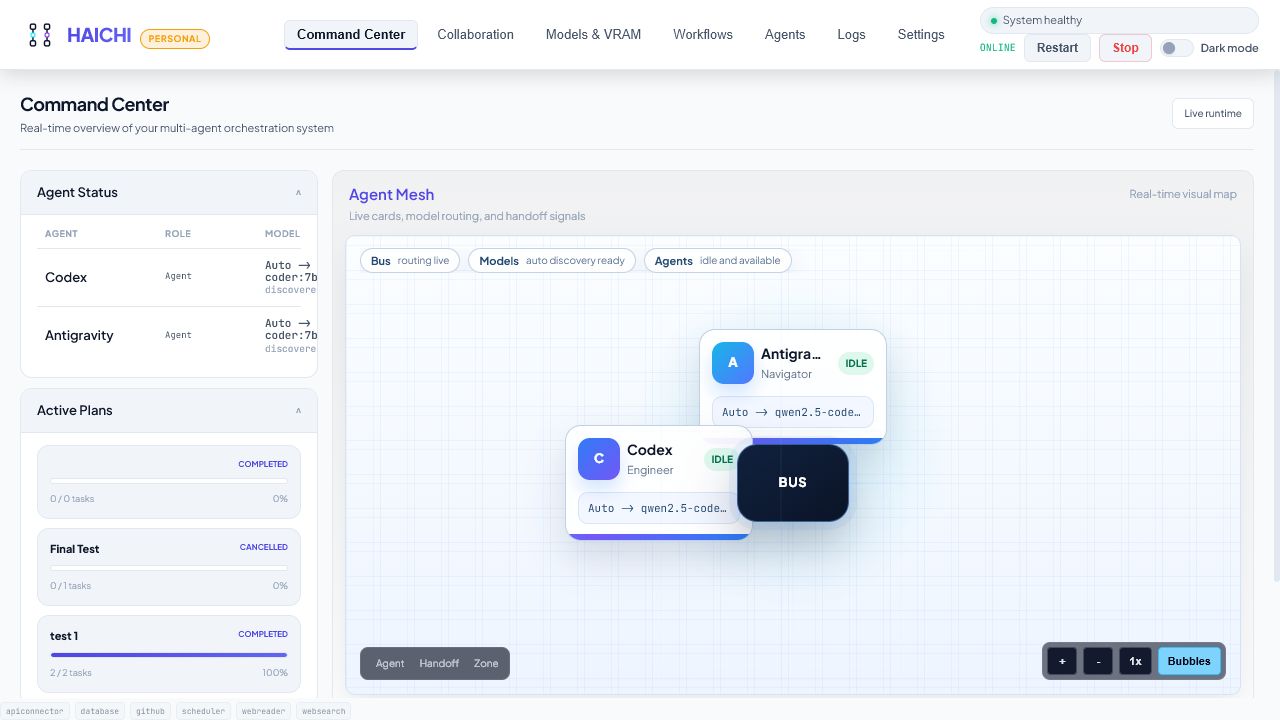
A Windows local AI setup can become a mix of model windows, terminals, scripts, notes, and browser tabs. HAICHI gives Ollama users one local workspace where agent roles, plans, retries, and results stay connected.
Why Windows users need a workflow layer
Ollama solves the model runtime. The remaining problem is operational: what did each agent do, which pass produced the useful finding, and what should be retried?
- Use local Ollama models without relying on a hosted chat workspace.
- Separate agent roles from one-off prompts so a task can be repeated.
- Keep handoffs and retries visible instead of rebuilding context manually.
- Use optional cloud providers only when you configure them for a specific workflow.
A practical first setup
Start with two local coding agents on Windows: one Reviewer and one Verifier. Run them against a small change, compare both outputs, then decide whether HAICHI should handle larger project workflows for you.